Quick facts: OptiAI as a chore app for kids
- What it does: assigns one-off or recurring chores and step-by-step routines to each child, on the same family calendar as everything else.
- Rewards: kids earn Chore Stars for finishing chores and routines; you can optionally let them cash stars in at a rate and weekly limit you set.
- Money: Kids’ Money adds Save, Spend and Give jars and optional allowance that you approve. It is a family record; no real money moves through OptiAI.
- Platforms and languages: web (installable), iOS and Android on one account, in 11 app languages.
- Price: free "Full Access" tier with every module included and no trial or card; one paid plan at $4.99/month or $49.99/year adds more AI.
- Publisher: OptiAI is published by Aspire Digital LLC. It does not sell personal data and shows no ads.
- Not advice: chore ideas here are suggestions, not medical, psychological or parenting advice. Every child develops differently.
Last reviewed 2026-10-19.
What chores can kids do at each age?
Children vary a lot, so use the bands below as a starting menu, not a standard. If a task is too hard, shrink it; if it is too easy, hand over more of the job. The aim is a list your child can finish and see finished.
| Age | Chore ideas | What tends to work |
|---|---|---|
| Ages 3 to 5 | Put toys in a basket, carry a plate to the counter, help water a plant, put dirty clothes in the hamper. | One or two steps, done together. A picture-style chart that visibly fills up. |
| Ages 6 to 8 | Make the bed, set or clear the table, feed a pet, tidy their own room, pack their school bag. | A short morning and bedtime routine they can tick off themselves. |
| Ages 9 to 12 | Load or empty the dishwasher, take out the bins, fold their own laundry, help with simple meals, water the garden. | A weekly list plus a points or star system they can save up. |
| Ages 13 to 16 | Cook a family meal, do their own laundry, mow the lawn or clean the bathroom, look after a younger sibling for a short time. | Owning a whole job end to end, with fewer reminders and a say in the reward. |
Chores that touch knives, hot surfaces, chemicals or machinery need your judgement about your own child, not a chart. When in doubt, do it together first.
Chart or points: which fits your child?
A visual chart that fills up tends to suit younger children, who can see progress at a glance. Older children and teens often prefer points they can save and redeem, because earning toward something is the point. Many families want both as children grow.
Whichever you pick, three things make it stick: the expectation is visible, the reward is simple, and a parent approves the finished job so a ticked box means something. Asking three times is usually a systems problem, not a parenting failure.
Should you pay for chores?
Families land in different places. Some treat everyday chores as part of belonging to a household and pay only for extra jobs; others link money to chores to teach earning. Neither is the single right answer. If you do add money, keep the amounts small and the rules written down, so nobody renegotiates at the checkout.
How to set it up in OptiAI
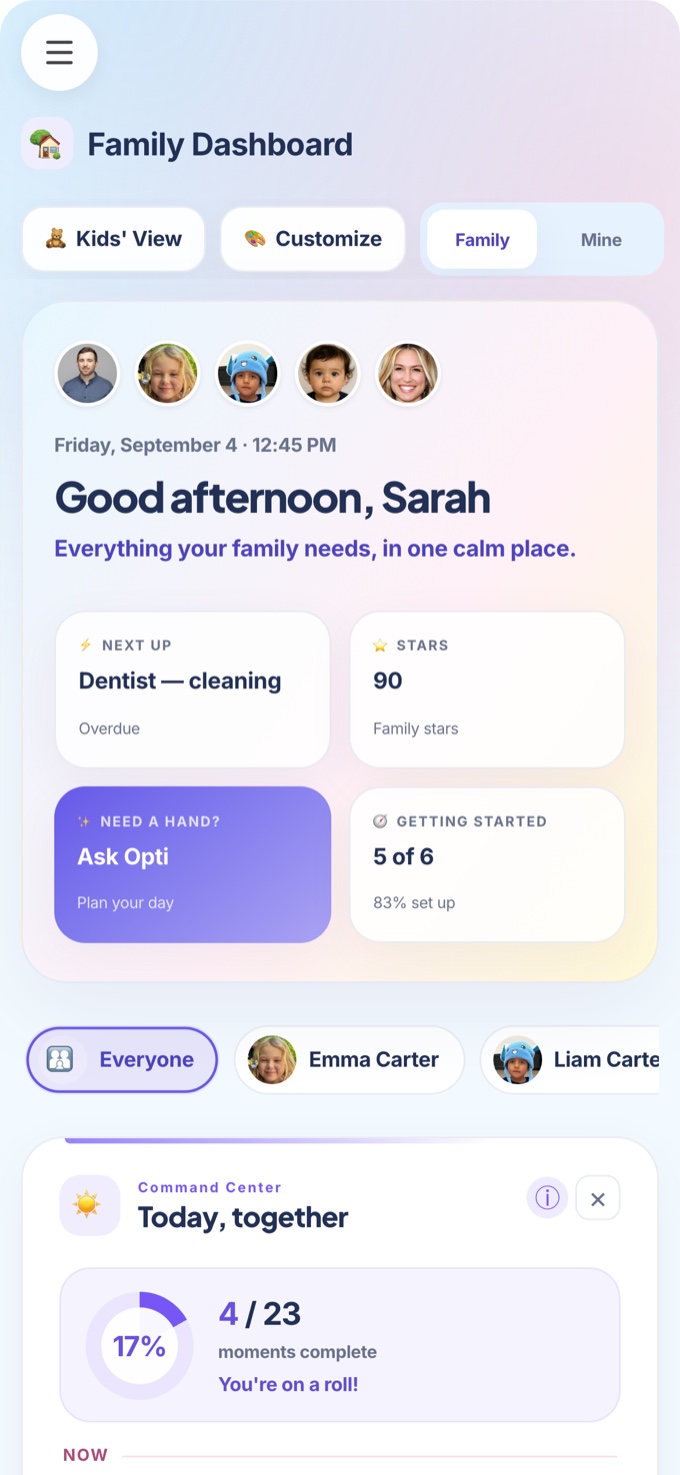
- Pick a starting template. OptiAI offers starter chores, routines, rewards and goals scaled to your child’s age and your household’s currency. Edit them freely.
- Assign by child. Chores and routines go on that child’s own calendar, so two siblings never share a list or mix up their stars.
- Keep routines short. A morning and a bedtime routine of three to five steps is easier to finish than a long weekly list.
- Decide on money last. Stars work with no money at all. If you switch on Kids’ Money, you set the rate and limit and approve each payment; a routine can also carry a small money value.
- Let older kids drive. A child with their own login sees only their own chores, jars, goals and requests.
More on the feature itself: chore and routine app for kids. For a break from screens, Family Games rewards time together.
Where OptiAI is not the right pick
If all you want is a printable chart on the fridge, paper is free and works. If your child is very young and you do not want any screen in their routine, a paper chart you tick together is a fine choice. OptiAI earns its place when chores, the family calendar and, optionally, pocket money need to live in one app that two parents can both see.
Our bias, stated plainly
We build OptiAI, so this guide describes it most fully, but the age ideas and the chart-or-points advice apply with any tool. If you want to try ours, the Full Access tier is free with every module included and no trial. Open OptiAI.